Clothes Scanner App vs Reverse Image Search
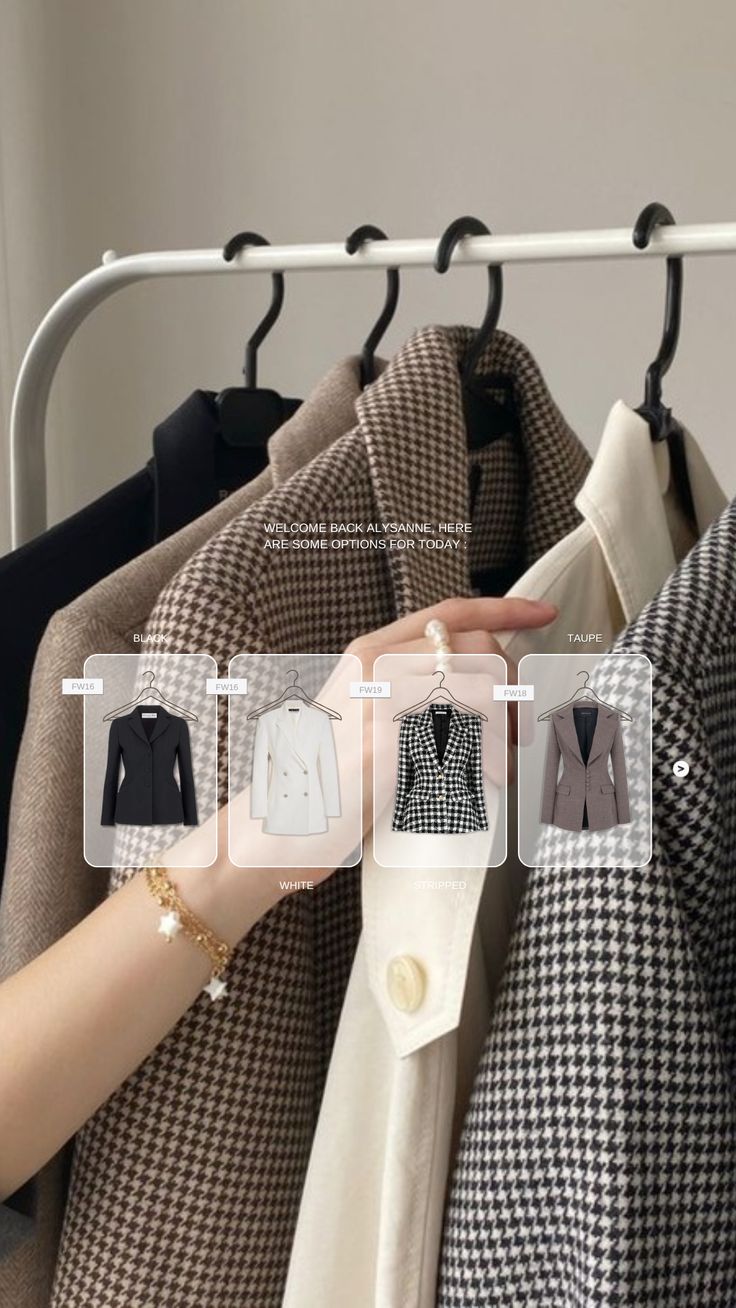
If you've tried to track down a specific outfit online, you've likely used both a clothes scanner app and a reverse image search tool — possibly without realising they work very differently. One is built to find fashion. The other is built to find anything. That distinction matters more than most people think, and it's usually the reason searches come back with irrelevant results. According to Built In's overview of visual search technology, the gap between fashion-specific and general-purpose image recognition has grown significantly as AI models have become more specialized. This guide breaks down exactly how the two approaches differ, where each one wins, and which tools are actually worth using in 2026.
Table of Contents
What Is Reverse Image Search?
What Is a Clothes Scanner App?
Key Differences: Clothes Scanner App vs Reverse Image Search
When to Use a Clothes Scanner App vs Reverse Image Search
Best Clothes Scanner Apps in 2026
When Reverse Image Search Still Wins
Which Should You Use?
FAQ
Dig Deeper
Our other guides go deeper into specific tools, methods, and use cases:
How to Find a Dress From a Picture or Screenshot (when the exact one is sold out)
Clothes Detector: Best Apps that Identify Clothes From A Photo (2026)
We're also on Medium.
What Is Reverse Image Search?
Reverse image search is a technique that takes an image as input and finds other instances of that image — or visually similar images — across the web. It was originally designed for identifying duplicate images, tracking photo usage, and verifying the source of content online.
The most widely used reverse image search tool is Google Lens, though Google Images, TinEye, and Bing Visual Search also fall into this category. These tools analyze an uploaded image and return web pages where that image appears, along with visually similar images indexed across the internet.
What reverse image search is good at
Finding the original source of a photo
Identifying well-known products that appear in many online listings
Locating higher-resolution versions of an image
Quick lookups of widely sold, common items
What reverse image search struggles with
Items that aren't widely listed online — vintage, small-brand, or independent pieces
Screenshots or cropped images where the original file doesn't exist on the web
Resale inventory — it indexes retail listings, not secondhand marketplaces
Distinguishing between near-identical garments with meaningful differences (cut, fabric, fit)
In short: reverse image search finds where an image has been. A clothes detector app finds where a garment can be bought.
What Is a Clothes Scanner App?
A clothes scanner app uses AI trained specifically on fashion to analyze a garment's visual attributes — silhouette, fabric weight, color, cut, neckline, pattern — and match them against a database of purchasable products. The goal isn't to find the image itself, but to find the item or something close to it.
The best clothes scanner apps are built around how people actually discover fashion today: screenshots from TikTok, saved Instagram posts, photos taken in thrift stores, and Pinterest saves with no linked source. They're designed to return shoppable results — not just matching images — and the best ones include resale platform inventory alongside retail.
What a clothes scanner app is good at
Identifying garment type, silhouette, and key style details from any image
Matching a screenshot to current retail or resale inventory
Finding dupes and near-matches when the exact item is unavailable
Handling images that don't exist elsewhere on the web (original photos, cropped screenshots)
Organizing saved searches so finds don't get lost
What a clothes scanner app struggles with
Very low-quality or heavily filtered images
Highly obscure items with no comparable inventory anywhere online
Android support — most fashion-specific apps currently favour iOS
Key Differences: Clothes Scanner App vs Reverse Image Search
Feature | Clothes Scanner App | Reverse Image Search |
|---|---|---|
Primary purpose | Find a garment to buy | Find where an image appears online |
AI training | Fashion-specific (garment attributes) | General image recognition |
Result type | Shoppable product links | Web pages and similar images |
Resale support | Yes (best apps include Depop, Poshmark, Vinted) | No |
Screenshot handling | Optimized for cropped/screenshot images | Works best with original, full images |
Sold-out item handling | Returns dupes and resale alternatives | Returns original listings (often dead links) |
Organization tools | Collections, history, saved searches | None |
Mobile-native UX | Yes (built for phone-first discovery) | Variable — often desktop-first |
When to Use a Clothes Scanner App vs Reverse Image Search
Use a clothes scanner app when:
You have a screenshot from TikTok, Instagram, or Pinterest and want to buy what you see
The item is sold out and you need resale alternatives or visual dupes
You're thrifting and want to quickly identify what a garment might be worth or find similar pieces
You want to save and organize multiple finds across a shopping session
You're searching for niche, vintage, or non-mainstream items that won't appear in general web results
Use reverse image search when:
You have a full, clear product photo (not a screenshot) and want to find the original source
The item is a mainstream, widely sold product that appears in many retail listings
You want to check if an image has been reposted or repurposed online
Speed matters more than accuracy and you need results instantly
The honest reality: for most fashion searches in 2025, a dedicated app that scans clothes will outperform reverse image search. As Glossy reports, fashion brands are increasingly investing in purpose-built visual search tools precisely because general-purpose image search consistently underperforms for clothing discovery.
Best Clothes Scanner Apps in 2026
Copped — Best Clothes Scanner App for iPhone
iOS · Fashion-tuned AI · Resale-first · Screenshot-native
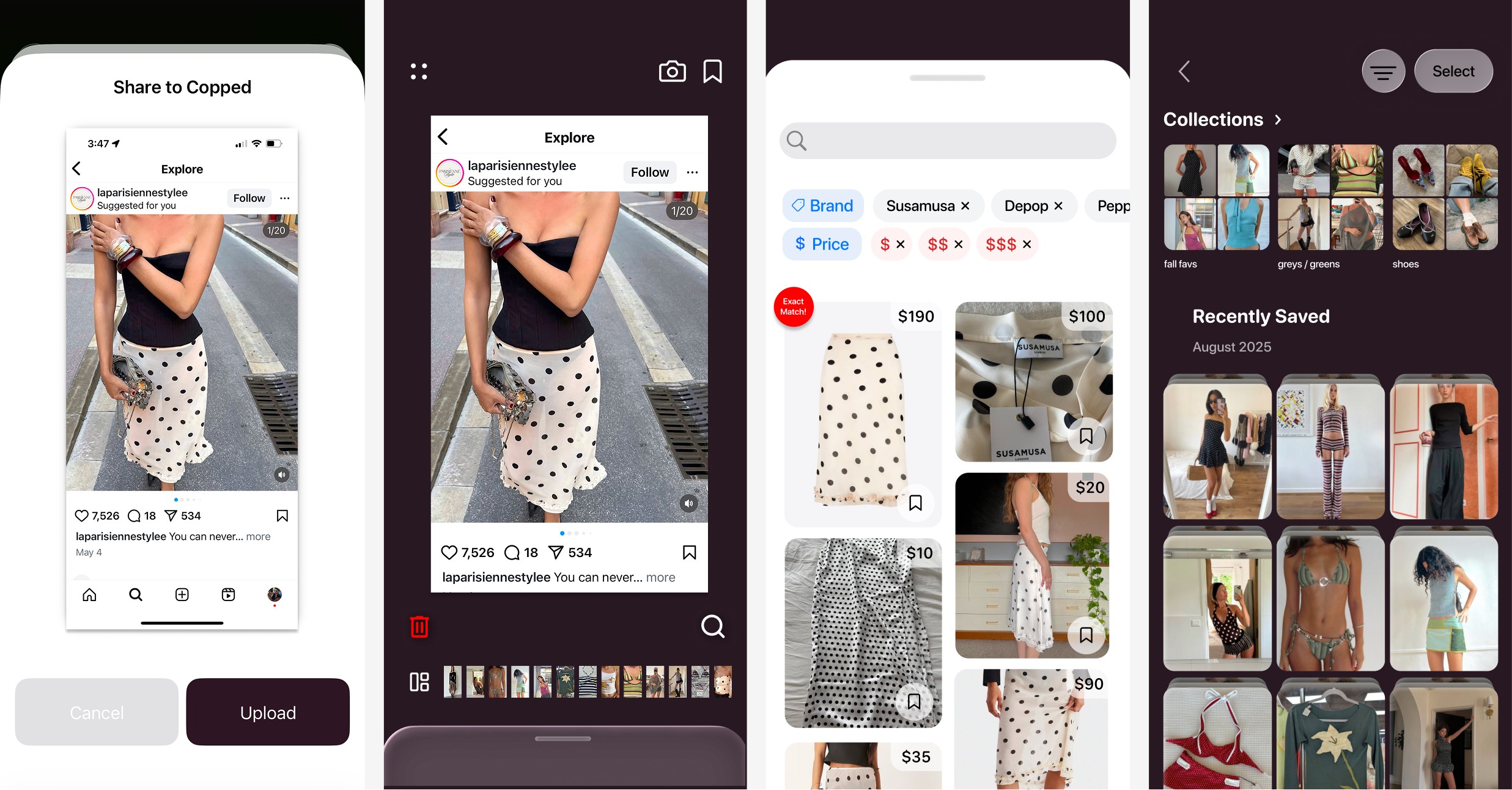
Copped is a clothes scanner app purpose-built for how people actually discover fashion — through screenshots, social media saves, and thrift store hauls. Created in 2025 by two clothing resellers, it fills the gap that reverse image search and general tools leave open: resale results, mobile-native design, and a workflow that fits around screenshot-based shopping.
Key features:
Shortcut upload button — share directly from TikTok, Instagram, Safari, or your camera roll without saving screenshots first
Resale-first results — matches from Depop, Poshmark, Vinted, and eBay alongside retail inventory
Fashion-tuned AI — trained on garment-specific attributes, not general web images
Collections + recent history — organize scanned items and revisit previous searches without losing anything
Text + image refinement — add descriptors to sharpen results when the image is ambiguous
Queue mode — batch-scan multiple items in a single session
Actively updated through 2025–26 based on user behavior
Weaknesses: iOS only; marketplace coverage expanding
Best for: iPhone users who discover clothes through screenshots and want results from both retail and resale — not just mainstream fast-fashion listings.
Google Lens — Best Free Clothes Detector
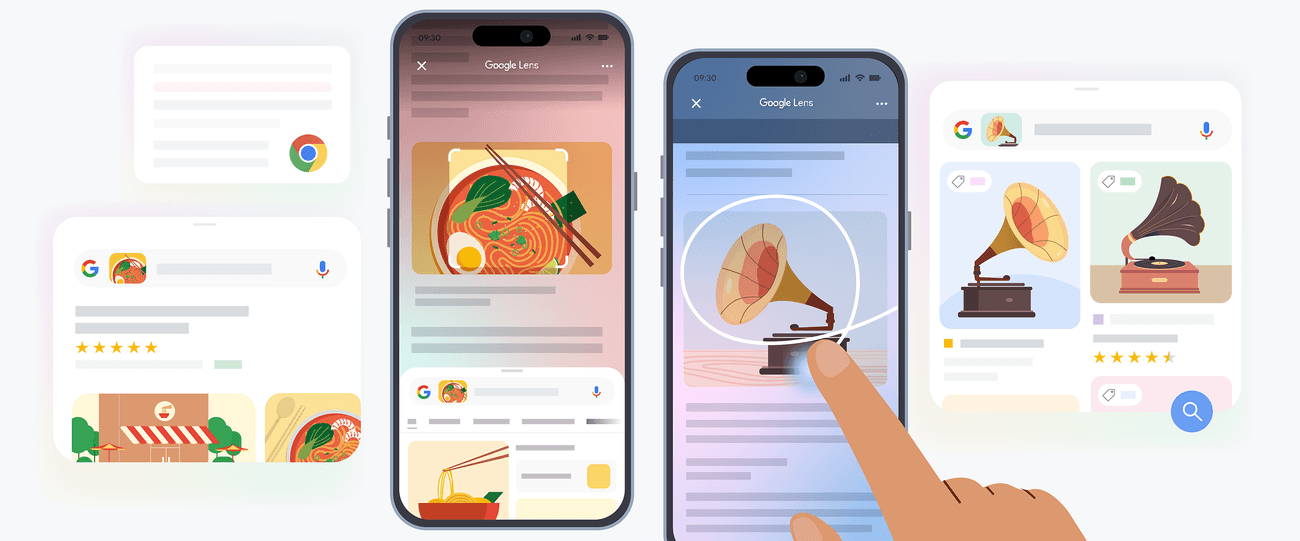
Google Lens sits at the intersection of reverse image search and clothes detector functionality. It's the most accessible tool available and works well for fast identification of common, commercially available clothing items. For anything niche or sold-out, its results skew heavily toward fast-fashion alternatives.
Best for: Quick, free lookups of mainstream items when resale results aren't needed.
Pinterest — Best for Aesthetic-Based Clothes Scanning
Pinterest's visual search functions more like an aesthetic classifier than a direct shopping tool. It excels at identifying style categories — helping you name a look before you search for it elsewhere. Not useful for finding the exact item, but valuable as a first step when the vibe is clear and the vocabulary isn't.
Best for: Identifying the aesthetic of a garment before moving to a purchase-focused clothes scanner app.
Lykdat — Simple Web Clothes Scanner
Lykdat is a lightweight web-based clothes scanner app that matches uploaded images against mainstream retail. Clean interface, no account needed, works best on desktop with clear product photos.
Best for: Desktop users doing a quick retail lookup from a well-lit product image.
ChatGPT AI Clothes Finder — Best for Garment Identification Before Searching
The ChatGPT AI Clothes Finder generates precise text descriptions of garments from uploaded images — silhouette, fabric, neckline, era — that you can then use in a more targeted visual search. It's not a shopping tool itself, but it's useful when other tools return irrelevant results and you need better search terminology.
Best for: Generating garment vocabulary to refine a follow-up search in a dedicated clothes scanner app.
When Reverse Image Search Still Wins
Reverse image search isn't obsolete — it's just misused. There are specific situations where it outperforms any dedicated clothes scanner app:
You have the original product image — if you saved the item image directly from a retail site, reverse image search will often find the exact listing or close alternatives faster than a fashion AI tool
The item is widely sold — for mainstream products sold by dozens of retailers, Google Lens will surface multiple purchase options instantly
You want to verify a source — if you're not sure whether a pin or post contains original content or a repost, reverse image search tells you immediately
The most effective approach is combining both. Use reverse image search for fast first passes on clear retail images, then switch to a clothes detector app when the item is sold out, niche, or sourced from a screenshot.
Which Should You Use?
For most people searching for specific clothing items in 2026, a dedicated clothes scanner app will outperform reverse image search on almost every metric that matters — accuracy on screenshots, resale inventory, organization, and mobile UX. Reverse image search is a faster, blunter tool that works well in a narrow set of circumstances.
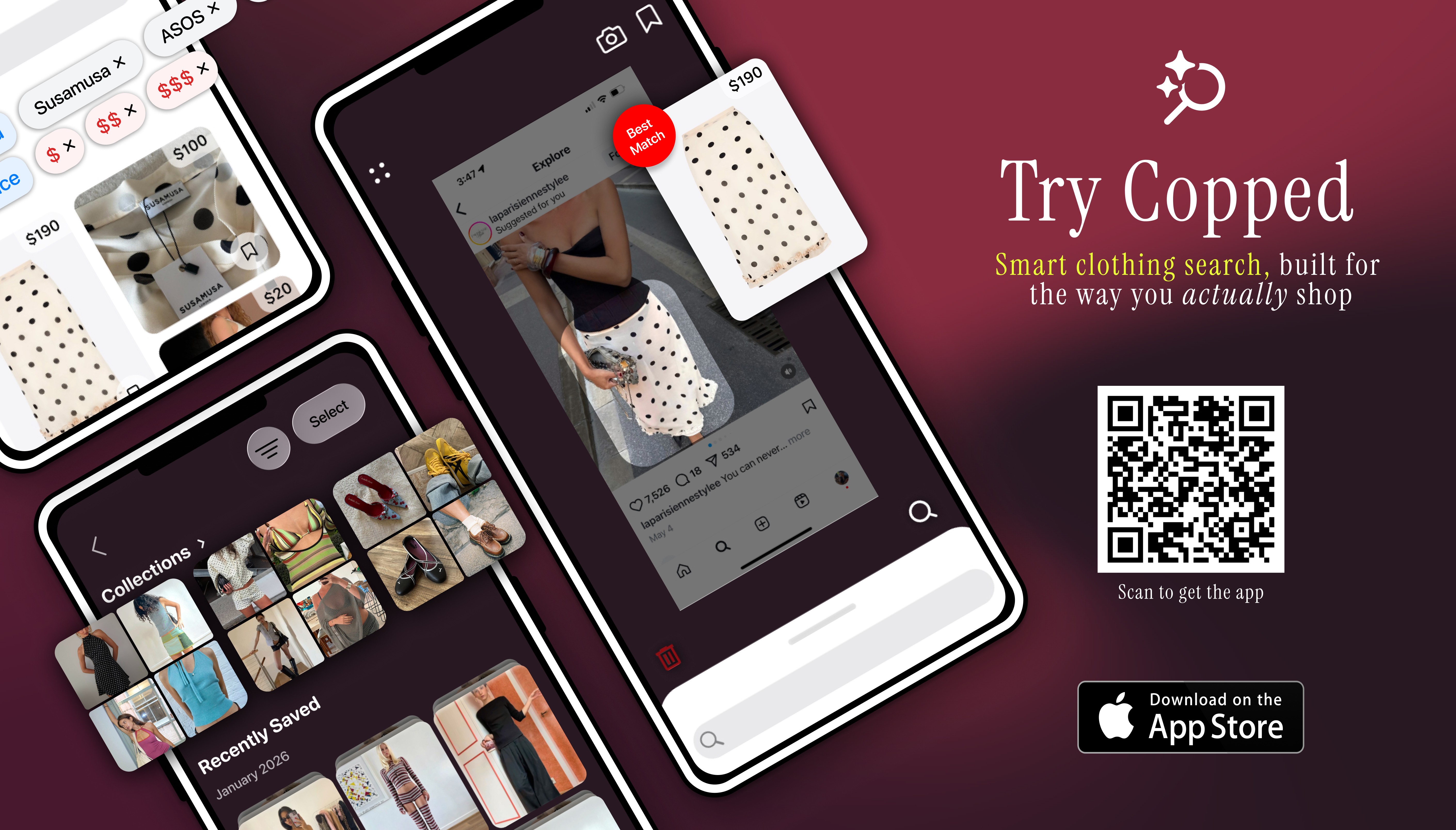
If you're an iPhone user who regularly discovers clothes through social media and wants to actually find and buy what you see — including on resale platforms — Copped is the clothes scanner app that covers all of those use cases in one place. For everything else, Google Lens remains the fastest free fallback. As Forbes notes, the fashion industry's rapid adoption of AI-powered visual search signals that purpose-built tools are becoming the standard — not the exception.
FAQ
What is the difference between a clothes scanner app and reverse image search?
Reverse image search finds where an image appears on the web. A clothes scanner app finds where a garment can be purchased — using AI trained specifically on fashion attributes like silhouette, fabric, and cut. The result types are fundamentally different: one returns web pages, the other returns shoppable product links including resale inventory.
Which clothes scanner app works best for screenshots?
Copped is purpose-built for screenshot-based fashion search — its shortcut upload button lets you share directly from TikTok, Instagram, or Safari without saving files to your camera roll. Most other tools require a more manual upload process that adds friction across repeated searches.
Can a clothes detector app find sold-out items?
Only if it indexes resale platforms. Reverse image search and most general tools return retail listings only — meaning sold-out items return dead or empty results. Copped searches Depop, Poshmark, Vinted, and eBay alongside retail, making it significantly more useful when the original item is no longer in stock.
Is Google Lens a clothes scanner app or a reverse image search tool?
Google Lens sits between both categories. It uses visual recognition to return similar products (closer to a clothes scanner) but draws on general web indexing rather than fashion-specific AI (closer to reverse image search). It's fast and free, but it skews toward fast-fashion results and doesn't support resale inventory or saved searches.
What is the best app that scans clothes on iPhone?
For iPhone users, Copped is the most complete clothes scanner app available — combining fashion-tuned AI, resale platform results, screenshot-native upload, and collections to stay organized across multiple searches. For quick free lookups, Google Lens is the fastest no-download option.
Does image quality affect how well a clothes scanner app works?
Yes — significantly. Clear lighting, a tight crop around the item, and minimal background clutter all improve AI accuracy. When image quality is unavoidably poor, adding text descriptors alongside the image helps compensate. The ChatGPT AI Clothes Finder is useful for generating precise garment terminology from low-quality images before running a follow-up visual search.