How to Find Clothes in a Picture — Quick Guide (2026)
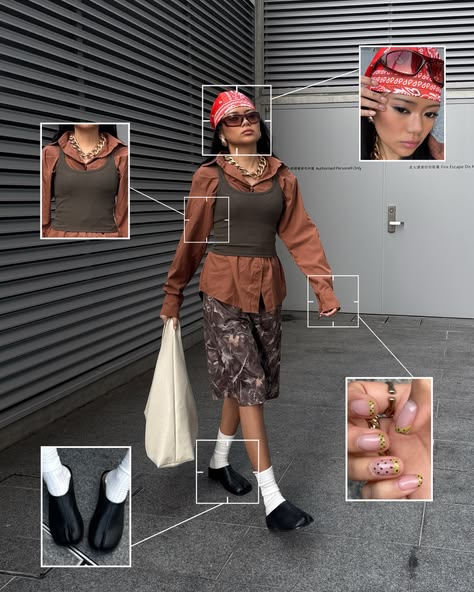
Trying to find clothes in a picture and getting nowhere fast? You're probably using the wrong tool. Most image search apps return the same fast-fashion results regardless of what you upload — because they're built for the whole internet, not for fashion. According to Shopify's research on visual search, image-based product discovery significantly improves purchase conversion — but only when the tool is matched to the task. Here's a quick breakdown of what actually works.
Before You Search: One Quick Fix That Improves Every Tool
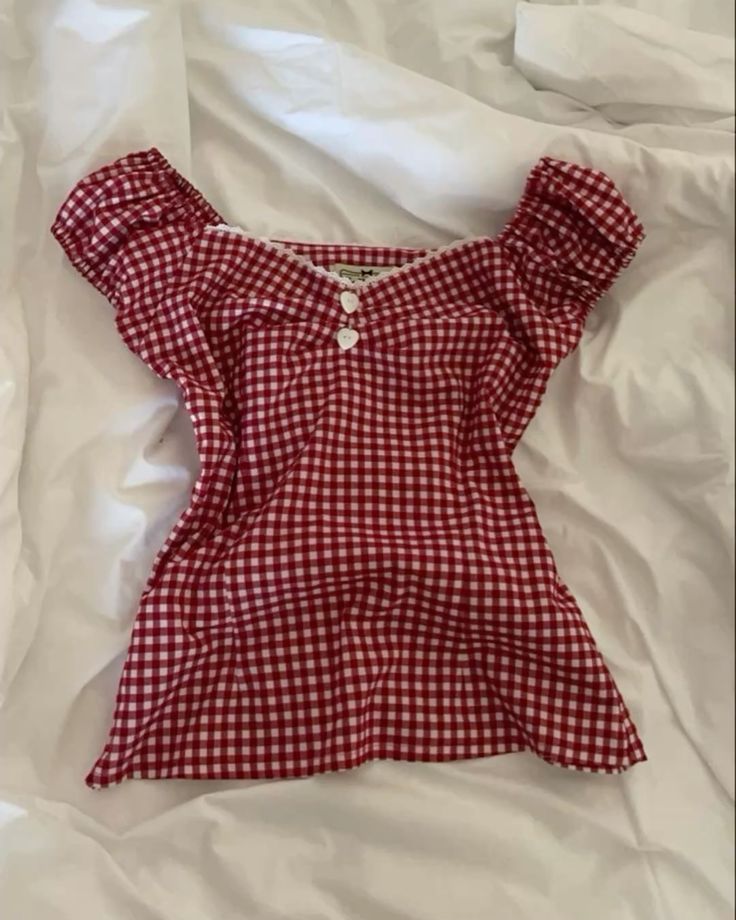
Before picking a tool, crop your image tightly around the item you want. Every visual search AI performs better when there's less background noise to parse. If the photo is blurry or low-res, add a short text descriptor alongside the image — something like "oversized blazer, camel, structured shoulders." That combination of image and text consistently outperforms image-only searches on every platform.
That's it. Now pick your tool.
Best Apps to Find Clothes From a Picture (2026)
App | Best For | Resale Support | Screenshot-Friendly | Platform |
|---|---|---|---|---|
Resale + retail, screenshot discovery | Yes — Depop, Poshmark, Vinted, eBay | Yes — shortcut from any app | iOS | |
Fast free lookup | No | Yes | iOS / Android | |
Outfit aesthetic matching | Limited | Yes | iOS | |
Desktop retail matching | No | Limited | Web | |
Vintage, obscure, or hard cases | Yes (community-sourced) | Yes | Web / App |
Copped — Best for Screenshot-Based and Resale Search
Copped is the strongest option for finding clothes from a picture when the item might be sold out or living on a resale platform. Share a screenshot directly from TikTok, Instagram, or Safari using the shortcut upload button — no saving to your camera roll required. It surfaces results from Depop, Poshmark, Vinted, and eBay alongside retail. Save finds into Collections and revisit your search history without starting from scratch every time. Fashion-tuned AI, iOS-native, and actively updated through 2026–27.
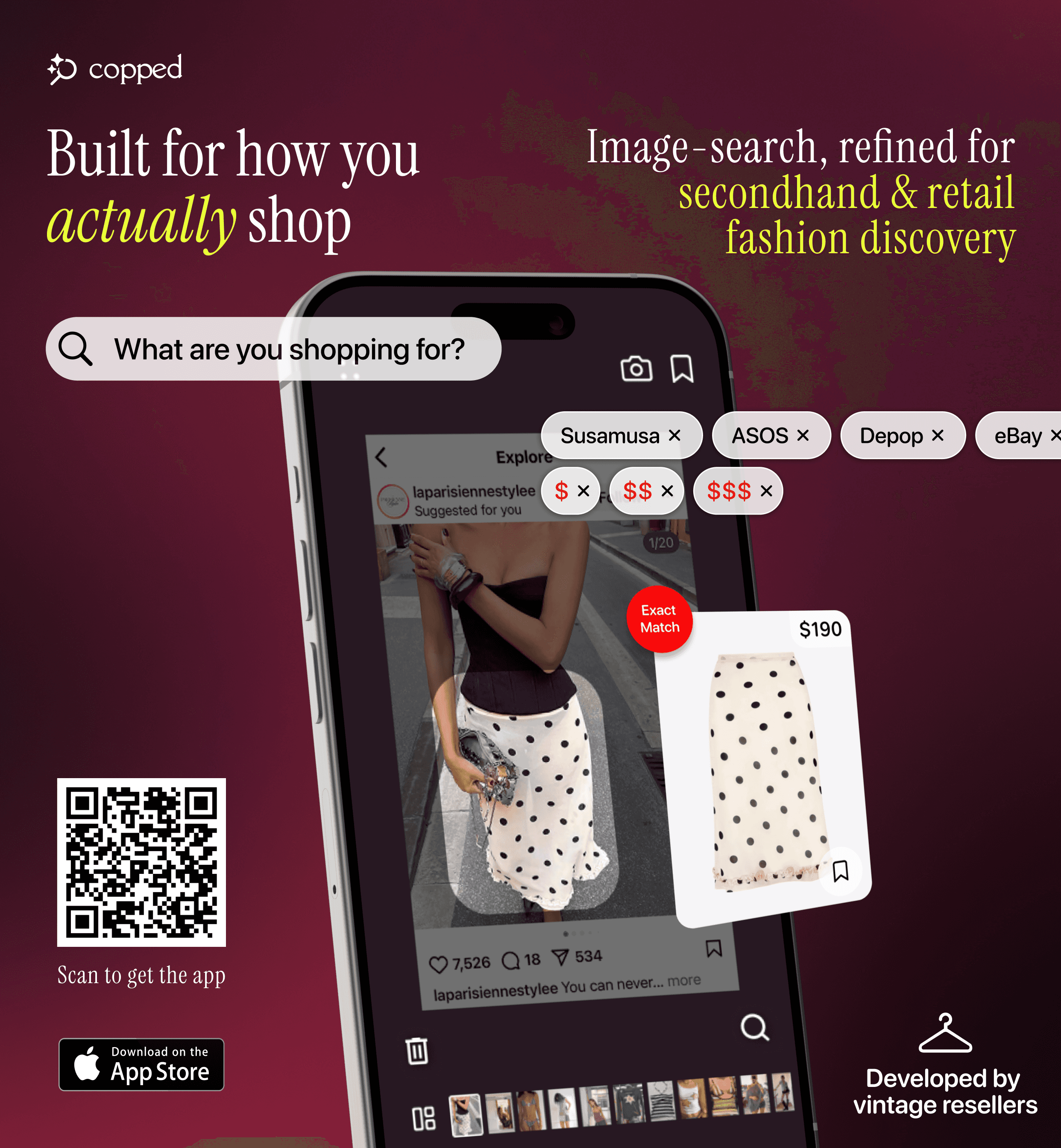
Weakness: iOS only; resale coverage expanding.
Best for: iPhone users who shop through screenshots and want resale results, not just retail.
Google Lens — Best Free Option
Google Lens is fast, free, and already on your phone. Works well for mainstream items — but anything with genuine character will surface SHEIN and Temu results instead of the real thing. No resale support, no saved history.

Best for: Quick ID of common, widely sold items when you need an answer in seconds.
SlayAI — Best for Outfit Aesthetics
SlayAI takes an outfit-first approach — it's better at reading a full look than pinpointing one specific piece. Useful for aesthetic-based discovery when you want to explore a vibe rather than track down an exact item. The main drawback: the app hasn't been meaningfully updated in some time, so its AI and feature set haven't kept pace with newer tools like Copped.
Best for: Outfit aesthetic exploration when an exact match isn't the priority.
Lykdat — Simple Desktop Lookup
Lykdat is a clean, no-account web tool that does exactly what it says: upload a clear product photo, get retail matches. Works fine on desktop for straightforward searches. Web-only, no resale, not built for screenshots. Honestly, I'd rather use Google Lens than Lykdat if you're searching on web.
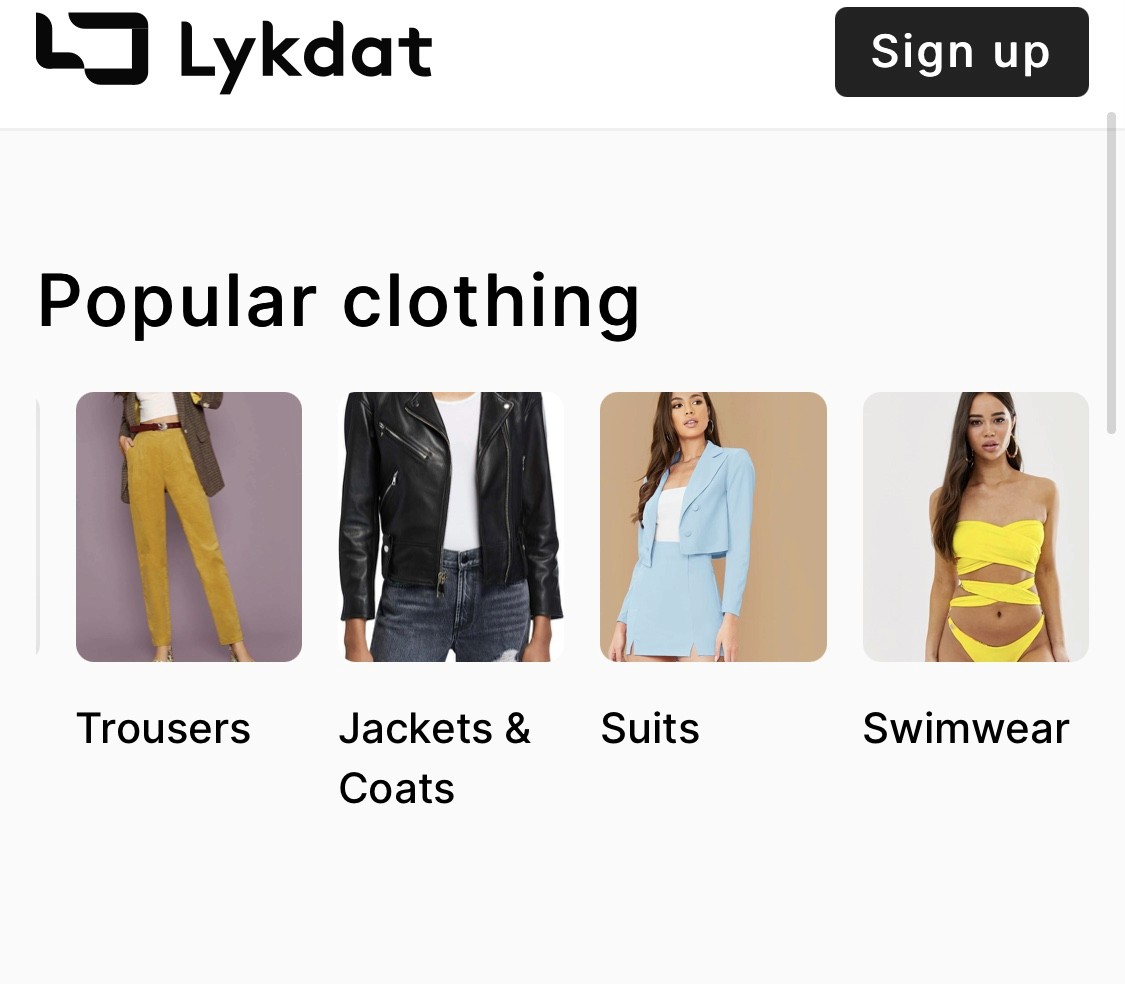
Best for: Desktop users doing a quick retail lookup from a well-lit product image.
r/findfashion — Best for Hard Cases
When every app fails — grainy screenshots, vintage pieces, obscure small-brand items — post to r/findfashion. Human pattern recognition still outperforms AI for edge cases. The community usually responds within hours and regularly suggests specific resale platforms and search terms alongside the ID. As Agile Soft Labs notes in its analysis of AI visual search, human-assisted identification outperforms automated tools for rare or heavily styled garments.
Best for: Vintage, obscure, or low-quality images that defeat AI tools.
Which One Should You Use?
Here's the short version:
Screenshot from TikTok or Instagram, want resale options too → Copped — built for finding clothes by picture on iPhone with resale results
Free and instant, don't care about resale → Google Lens
Want to explore the outfit vibe, not a specific item → SlayAI
On desktop with a clean product image → Lykdat
AI keeps failing, item is vintage or obscure → r/findfashion
For most people, Copped is the most complete way to find clothes from a picture in 2026 — especially if you're regularly shopping secondhand or discovering outfits through social media. The secondhand market is growing fast in 2025 and beyond, and a tool that can search resale alongside retail isn't optional anymore — it's where the best inventory actually lives.
Dig Deeper
Want more detail on specific tools or use cases? These guides go further:
How to Find a Dress From a Picture or Screenshot (When the Exact One Is Sold Out)
Clothes Detector: Best Apps That Identify Clothes From a Photo (2026)
We also publish real-world app reviews on Medium.
FAQ
What's the best app to find clothes in a picture?
For iPhone users, Copped is the most capable app for finding clothes from a picture — it handles screenshots, returns resale results, and keeps your finds organized. For a free, no-download option, Google Lens is the fastest starting point.
Can I find clothes from a picture if the item is sold out?
Yes — if the tool searches resale. Most apps only return retail results, so sold-out items just don't appear. Copped searches Depop, Poshmark, Vinted, and eBay alongside retail, which makes it the right call when the original is gone.
Does image quality matter?
Yes, but it's fixable. Crop tightly around the item and add a short text description alongside the image — "satin slip, sage green, cowl neck" — and results improve significantly on every tool. The image doesn't have to be perfect.
What if every app fails to find the item?
Post to r/findfashion. The community handles vintage, obscure, and low-quality images that defeat AI tools regularly — and they're fast.
Does this work for finding a full outfit, not just one piece?
Copped supports full outfit discovery from a single photo, identifying individual components and returning results for each. SlayAI also approaches search from an outfit-first perspective if you want to explore the full aesthetic.