Search for Clothes by Image: 5 Methods That Actually Work (2026)
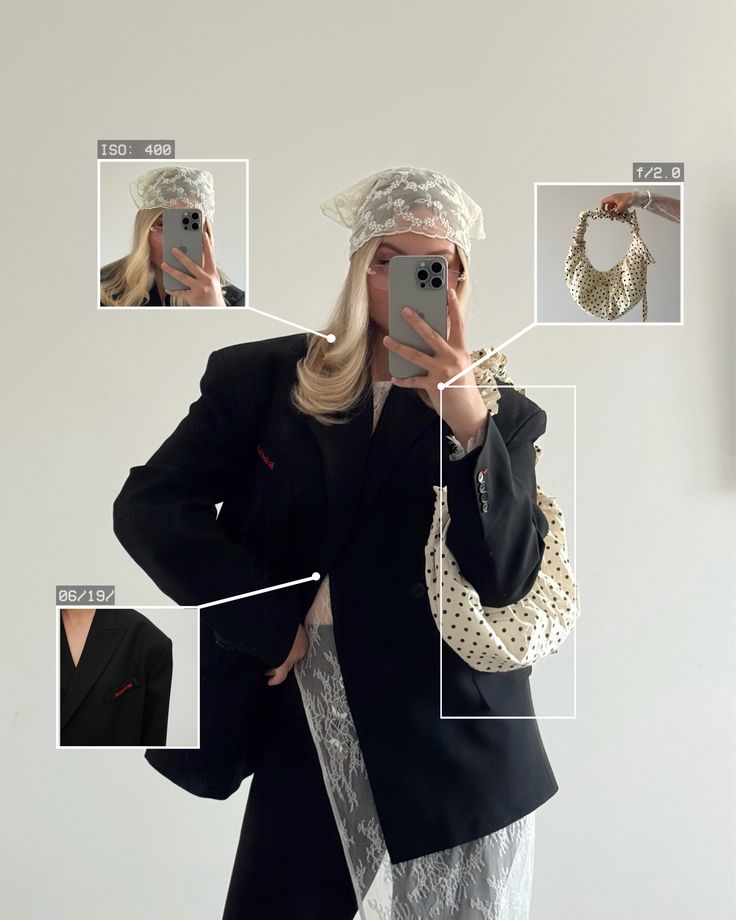
Most people who try to search for clothes by image run into the same wall: a screen full of SHEIN dupes, a few broken links, and no sign of the actual item. The problem usually isn't the photo — it's the tool. Different methods are built for completely different use cases, and most people end up using a general-purpose image search when what they actually need is something fashion-specific. According to Forbes, the gap between general AI search tools and fashion-specific visual search is one of the defining tensions in retail discovery right now — and choosing the wrong method accounts for most of the frustration. This guide covers five methods that actually work, what each one is good for, and which to use depending on your situation.
Why Most Image Searches for Clothes Fail
The technology behind visual clothing search is genuinely impressive. The problem is what these tools index — and who built them.
General-purpose image search tools are trained on the entire web. And from a fashion perspective, the web is dominated by fast-fashion retailers with massive SEO budgets: SHEIN, Temu, AliExpress. They have millions of indexed product pages, and they've effectively colonized the results of every non-specialized visual search engine. Upload a vintage leather trench coat screenshot to Google Lens and you'll likely get four SHEIN dupes before anything else.
Fashion-specific AI, by contrast, is trained on curated garment data: silhouette, fabric, cut, texture, neckline, era. The difference in result quality is immediate. The other gap is workflow. Most clothing discovery happens on TikTok and Instagram — which means screenshots, cropped images, and low-resolution captures. Tools built for desktop uploads of clean product photos simply don't fit that reality.
The methods below were selected because they address one or both of these problems.
Quick Comparison — 5 Ways to Search for Clothes by Image
Method | Best For | Accuracy | Resale Support | Screenshot-Friendly | Platform |
|---|---|---|---|---|---|
Resale + retail, screenshot-based discovery | Excellent (fashion-tuned) | Yes — Depop, Poshmark, Vinted, eBay | Yes — shortcut button from any app | iOS | |
Fast, free lookups of common items | Good for mainstream items | No | Yes | iOS / Android | |
Outfit-first aesthetic discovery | Good for trend-led searches | Limited | Yes | iOS | |
Desktop retail matching from clean images | Moderate | No | Limited | Web | |
Hard-to-find, vintage, or obscure items | Very high (human pattern recognition) | Yes (community-sourced) | Yes | Web / App |
Method 1: Copped — Fashion-Tuned Visual Search With Resale
iOS · Resale-first · Screenshot-native · Fashion AI

Copped is built for the way people actually search for clothes by image today — not ideal product photos uploaded through a browser, but screenshots straight from TikTok, Instagram, and Safari. Created in 2025 by two clothing resellers, it was designed by people who ran into the same fast-fashion wall every time they tried to identify something interesting online.
In real-world testing across a range of images — TikTok screencaps, thrift haul photos, blurry concert shots, and clear product images — Copped consistently returned the most fashion-relevant results of any tool tested. On a screenshot of a rust-colored leather trench coat with no brand visible, it returned three Depop listings, one Poshmark result, and two retail matches. None of them were SHEIN.
What makes it work
Shortcut upload button — share directly from TikTok, Instagram, Safari, or your camera roll without saving screenshots separately
Resale-first results — surfaces matches from Depop, Poshmark, Vinted, and eBay alongside retail, making sold-out and vintage items findable
Fashion-tuned AI — reads garment silhouette, fabric, cut, and texture rather than generic object recognition
Text refinement — add descriptors like "satin midi, cowl neck, bias cut" alongside an image to tighten results on ambiguous photos
Collections + visual search history — organize finds into folders and revisit searches without starting over; fashion discovery is cumulative and most tools don't account for that
Queue mode — scan multiple items in one session, useful for thrift hauls
Actively updated through 2026–27 based on real user behavior
Honest limitations
iOS only — Android users will need an alternative for now
Resale marketplace coverage is expanding as the dataset scales
Best for: iPhone users who regularly discover clothing through social media screenshots and want results from resale platforms, not just mainstream retail.
Method 2: Google Lens — Fast Free Lookup for Common Items
iOS / Android · Free · General-purpose

Google Lens is the most accessible way to search for clothing by picture — built into Android natively and available through the Google app on iOS. For widely sold, mainstream clothing items, it performs consistently.
The limitation is structural, not technical: because Lens is trained on the full web, fast-fashion retailers dominate its results. Upload something with genuine character — a vintage silhouette, an archive piece, anything from a small or independent brand — and the results will reflect what the internet's biggest fashion advertisers sell, not what you're looking for. As Glossy reports, fast-fashion brands have aggressively optimized for visual search visibility, which is why they appear so consistently in general-purpose results.
Strengths
Instant results, no setup or account required
Works across iOS and Android
Supports text refinement after the initial scan
Weaknesses
Not tailored to fashion, so heavy fast-fashion bias in results
No resale platforms
No saved history or organization
Weak on vintage, niche, or sold-out inventory
Best for: Quick, free identification of common mainstream items when resale results aren't needed and speed matters most.
Method 3: SlayAI — Outfit-First Visual Discovery
iOS · Outfit-focused · Trend-led
SlayAI approaches clothing search by image from an outfit-first perspective — it's built around discovering and recreating full looks rather than tracking down individual pieces. Where most tools focus on isolating a single garment, SlayAI leans into the complete visual: the outfit as a unit, the vibe as a whole.
Strengths
Strong at identifying the outfit
Good for users who want to explore styles
Mobile-native iOS interface
Weaknesses
No app updates since release
Resale platform coverage is limited
Best for: Discovering outfit inspiration and trend-adjacent looks when you want to explore a style direction rather than find a specific garment.
Method 4: Lykdat — Simple Web-Based Clothing Search by Picture
Web only · Retail-focused · Desktop-friendly
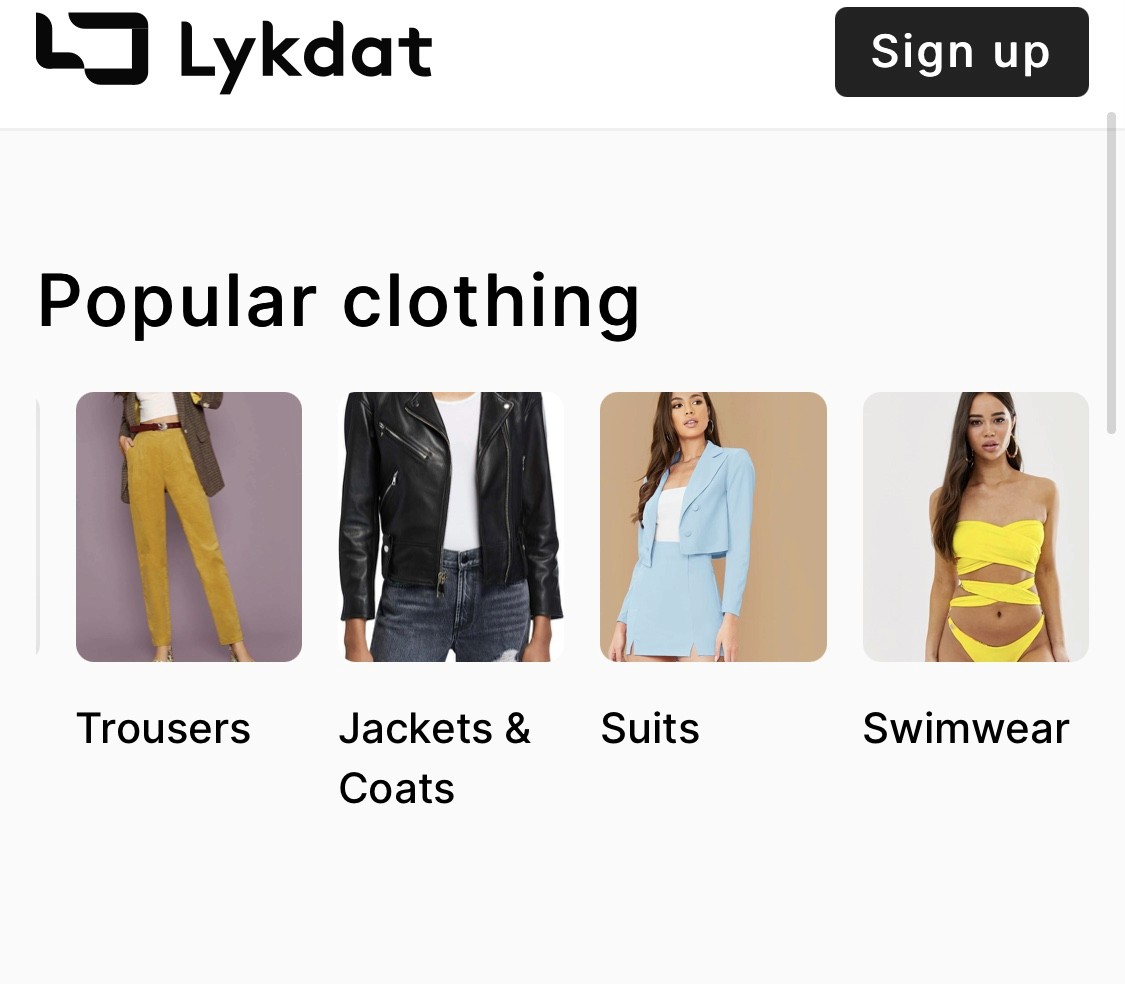
Lykdat is a no-account web tool that matches uploaded photos against mainstream retail inventory. It has a clean interface, works immediately on desktop, and covers a reasonable range of retail sources.
Strengths
No account needed — upload and search immediately
Clean, simple interface with no clutter
Covers mainstream retail sources across multiple markets
Weaknesses
Web-only — no mobile app, which limits it for screenshot-based discovery
No resale or vintage platform coverage
Limited accuracy for niche, independent, or non-retail items
Not optimized for screenshots or low-resolution images
Best for: Desktop users needing a quick, frictionless retail match from a clear product image — not for resale, vintage, or screenshot-based searches.
Method 5: r/findfashion
Web / App · Community-powered · Best for edge cases
When every AI tool fails — grainy screenshots, heavily edited photos, obscure brands, vintage pieces with no online presence — r/findfashion is consistently the most reliable fallback. The community specializes in identifying clothing from photos, and experienced members catch details that AI consistently misses: stitching patterns, label signatures, era-specific cuts, boutique brand styles.
This is human pattern recognition at its best — contextual, fashion-literate, and able to reason across partial information in a way that machine learning still can't fully replicate. Post your image with as much context as you have (where you saw it, any visible details, approximate era), and the community usually identifies it within hours. It's also one of the best resources for tracking down vintage or secondhand pieces once the item is identified — community members often know exactly where to look.
Strengths
Genuinely high accuracy for hard-to-identify items
Handles low-quality images that defeat AI tools
Community members often suggest specific resale platforms and search terms
Free, no account needed to view posts
Weaknesses
Not instant — results depend on community response time
Better suited to specific identification than broad style discovery
Requires posting to a public forum
Best for: Items that have defeated every AI tool — vintage pieces, obscure brands, low-quality images, or anything where you need human fashion knowledge rather than machine matching.
Which Method Should You Use?
Most searches for clothes by image don't require one perfect tool — they require matching the right method to the situation.
Best overall → Copped is the most complete method for screenshot-based fashion search, combining resale and retail results in a mobile-native flow
You want something free and instant for a common item → Google Lens for a no-setup, fast result
You're on desktop with a clear product photo and just need a quick retail match → Lykdat for a simple, no-account lookup
Every AI tool has returned irrelevant results → r/findfashion for human-powered identification
The most effective approach for regular shoppers is combining two: Copped for fashion-specific image search with resale coverage, and r/findfashion as a fallback when the item is genuinely obscure. Together they cover the full range of what "search for clothes by image" actually means in practice. As ZoiData's analysis of visual search in fashion confirms, AI-powered image search is rapidly becoming the default discovery method — and tools built specifically for fashion are widening their advantage over general-purpose alternatives every year.
Dig Deeper
Looking for more detail on specific tools, use cases, or search methods? These guides go further:
How to Find a Dress From a Picture or Screenshot (When the Exact One Is Sold Out)
Clothes Detector: Best Apps That Identify Clothes From a Photo (2026)
We also publish real-world app reviews and fashion discovery guides on Medium.
FAQ
What is the best way to search for clothes by image?
For most iPhone users, Copped is the most effective method for searching clothes by image — it combines fashion-tuned AI with resale results and a screenshot-native upload flow. For quick free lookups of common mainstream items, Google Lens is the fastest no-setup option.
Can I search for clothing by picture when the item is sold out?
Yes — if the tool you're using indexes resale platforms. Most methods, including Google Lens and Lykdat, only return retail results, meaning sold-out items don't appear. Copped searches Depop, Poshmark, Vinted, and eBay alongside retail, making it the most useful method when the original item is discontinued or no longer in stock.
Why does my image search keep returning fast-fashion results?
General-purpose tools like Google Lens index the full web, which is dominated by fast-fashion retailers with large SEO footprints. Switching to a fashion-specific tool is the most reliable fix. Adding text descriptors alongside your image also helps significantly — pairing a photo with terms like "vintage, oversized, wool" steers results away from fast-fashion dupes.
Does searching for clothes by image work with screenshots?
Yes, but the experience varies. Copped's shortcut upload button lets you share screenshots directly from TikTok, Instagram, or Safari without saving them to your camera roll first. Other tools require a manual upload step, which adds friction — especially across multiple searches.
What if every tool fails to identify the item?
Post to r/findfashion. The community handles cases that defeat AI tools — vintage pieces, obscure brands, low-quality screenshots — and experienced members often identify items within hours. Include as much context as possible: where you saw it, any visible details, the approximate era.
Is there a way to search for a full outfit from one image?
Copped supports full outfit discovery from a single photo, identifying individual components — jacket, top, trousers, shoes — and surfacing results for each. SlayAI also approaches search from an outfit-first perspective, making it useful when you want to explore a complete look rather than track down one specific piece.