Fashion Reverse Image Search: The Beginner's Guide (2026)
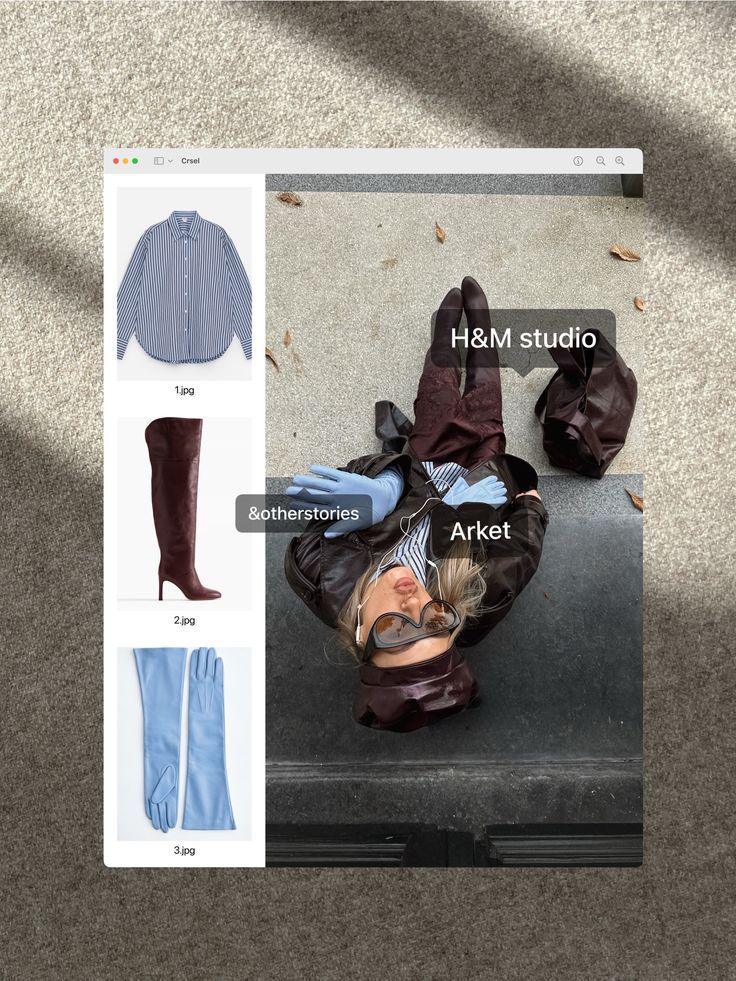
If you've ever saved a screenshot of an outfit you loved and had no idea how to find it — you already understand why fashion image search exists. The idea is simple: upload a photo, let the AI figure out what the clothing is, and get results you can actually shop. But the tools available range from genuinely useful to deeply frustrating, and knowing which one to use for which situation makes the difference between finding the item and giving up. According to Seobility's overview of visual search, the technology has matured significantly — but most people are still using general tools that weren't designed for fashion. This guide covers everything a beginner needs to know: how it works, which tools are worth using, and how to get better results.
Table of Contents
What Is Fashion Image Search?
How Does Reverse Image Clothes Search Work?
The Main Tools — What Each One Does
Comparison Table
How to Get Better Results From Any Tool
Which Tool Should You Use?
Dig Deeper
FAQ
What Is Fashion Image Search?
Fashion image search — also called reverse image clothes search or visual fashion search — is the process of uploading a photo to find matching or similar clothing items you can actually buy. Instead of trying to describe a garment in keywords, you let an AI read the image and extract the details for you.
The most common situations where people use it:
You screenshot an outfit on TikTok or Instagram and want to find where it's from
You spot something in a film, music video, or street style photo
You're thrift shopping and want to quickly identify what a piece is
You have a photo of something you used to own and want to find it again
You want to find a cheaper dupe or a secondhand version of something you've seen
The technology that powers it — computer vision AI — has gotten significantly better in recent years. The challenge isn't whether the technology works; it's which tool is using it well enough to return fashion-relevant results.
How Does Reverse Image Clothes Search Work?
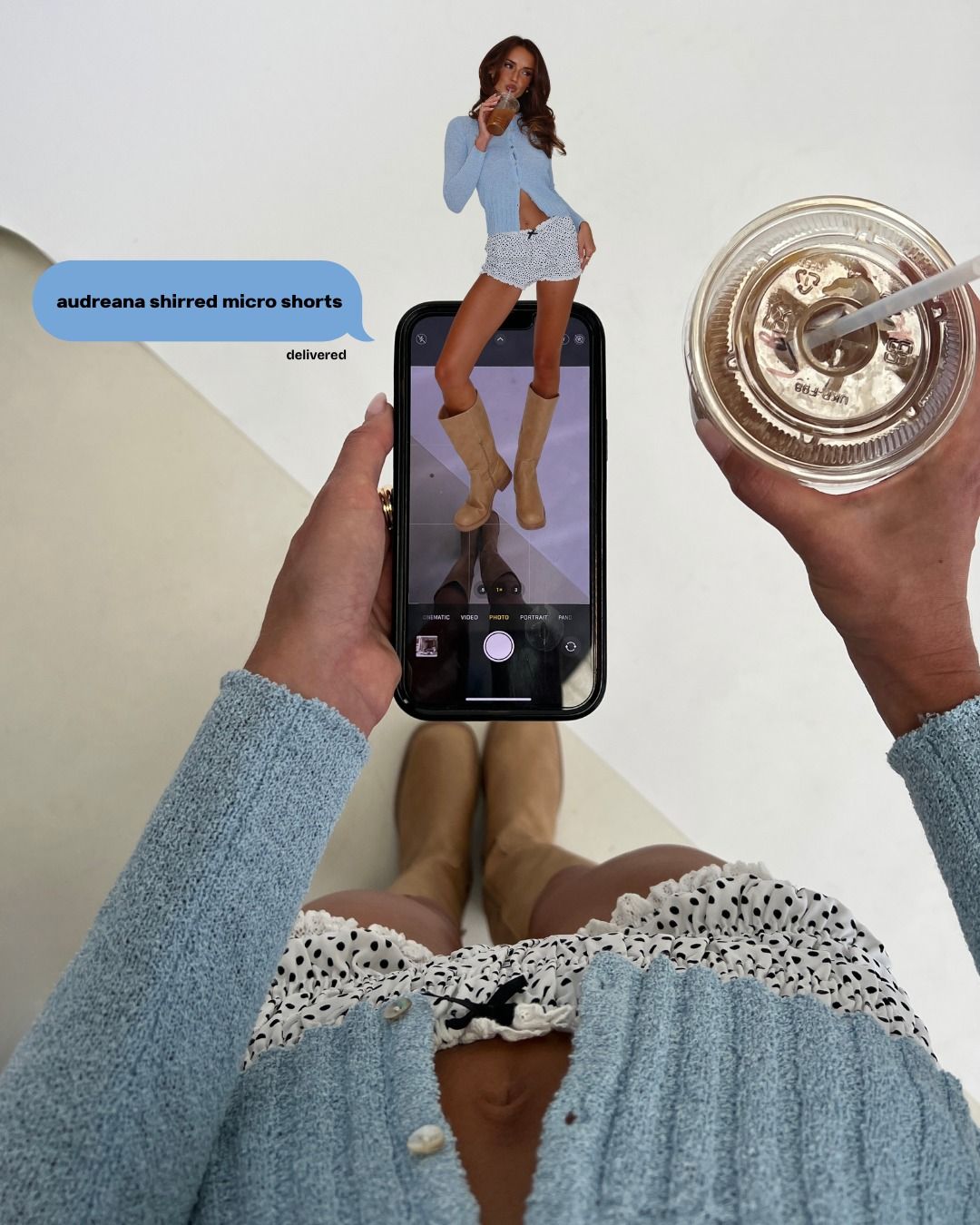
Every fashion image search tool runs the same basic process when you upload a photo:
Segmentation — the AI isolates the clothing item from the background and other elements in the frame
Feature extraction — it reads visual attributes: silhouette, color and undertone, fabric type, pattern, neckline, cut, era
Vector matching — it converts those features into a data representation and compares it against a database of indexed products
Results ranking — it returns the closest visual matches from whatever inventory it has access to
The critical difference between tools is step four: what database they're matching against. A general tool like Google Lens searches the whole web — which is dominated by fast-fashion retailers with massive SEO budgets. A fashion-specific visual fashion finder searches a curated product catalogue, and the best ones include resale platforms like Depop and Poshmark alongside retail. As Fashion Meets Computer Vision research on ArXiv confirms, fashion-tuned AI models significantly outperform general models on garment attribute tasks — particularly for niche, vintage, or non-mainstream items.
That gap in training is why uploading the same image to Google Lens and to a fashion-specific tool returns such different results.
The Main Tools — What Each One Does
Copped — best for buying what you find
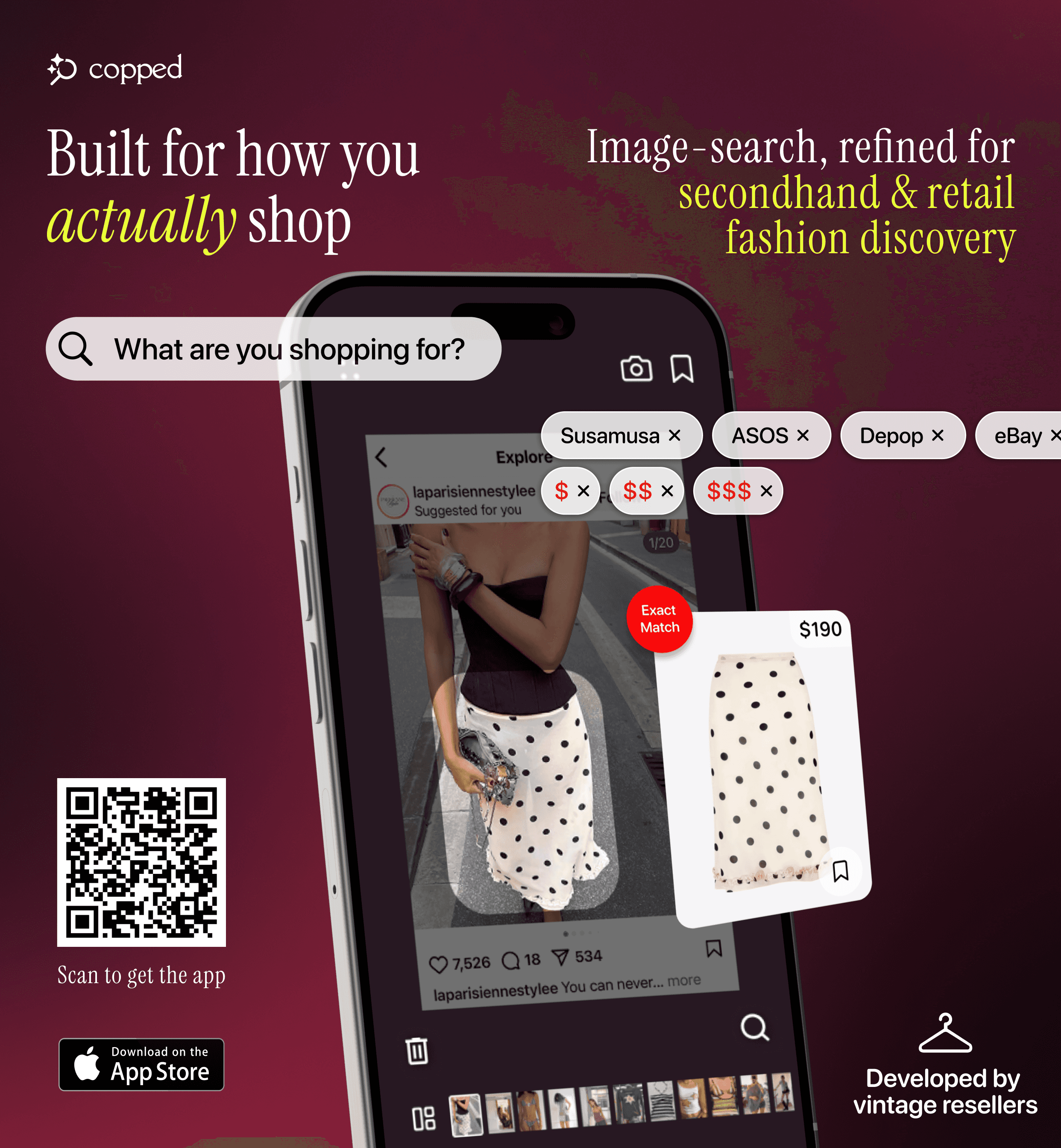
Copped is a fashion image search app built specifically for iPhone users who discover clothes through screenshots and want results from resale platforms, not just retail. It was created in 2025 by two clothing resellers who needed exactly this tool and couldn't find it.
Key features in brief: shortcut upload directly from TikTok, Instagram, or Safari; resale results from Depop, Poshmark, Vinted, and eBay alongside retail; Collections and visual search history; text + image refinement for ambiguous photos. iOS-native, actively updated through 2026–27.
Weakness: iOS only; resale coverage expanding.
Best for: Anyone who wants reverse image clothes search that actually includes secondhand inventory.
Google Lens — best free starting point

Google Lens is the most accessible entry point to fashion image search — already on your phone, no setup needed, instant results. It analyzes the visual content of any image and returns similar results from across the web. For common, widely sold items with a clear photo, it works reliably.
The limitation: Lens is a general-purpose tool, and its results in fashion are dominated by SHEIN, Temu, and similar fast-fashion retailers regardless of what you upload. No resale support, no organization tools. Good first pass; not a complete solution for non-mainstream items.
Best for: Fast, free lookup of mainstream clothing items.
SlayAI — best for outfit aesthetics
SlayAI reads full outfits rather than individual pieces — better for aesthetic exploration than exact identification. Useful when you want to understand the vibe of a look before searching for specific items. The main drawback is that the app has not released meaningful updates in a significant period of time, so its AI and features have fallen behind more actively developed tools.
Best for: Outfit aesthetic discovery when inspiration matters more than finding an exact piece.
Lykdat — best simple web option
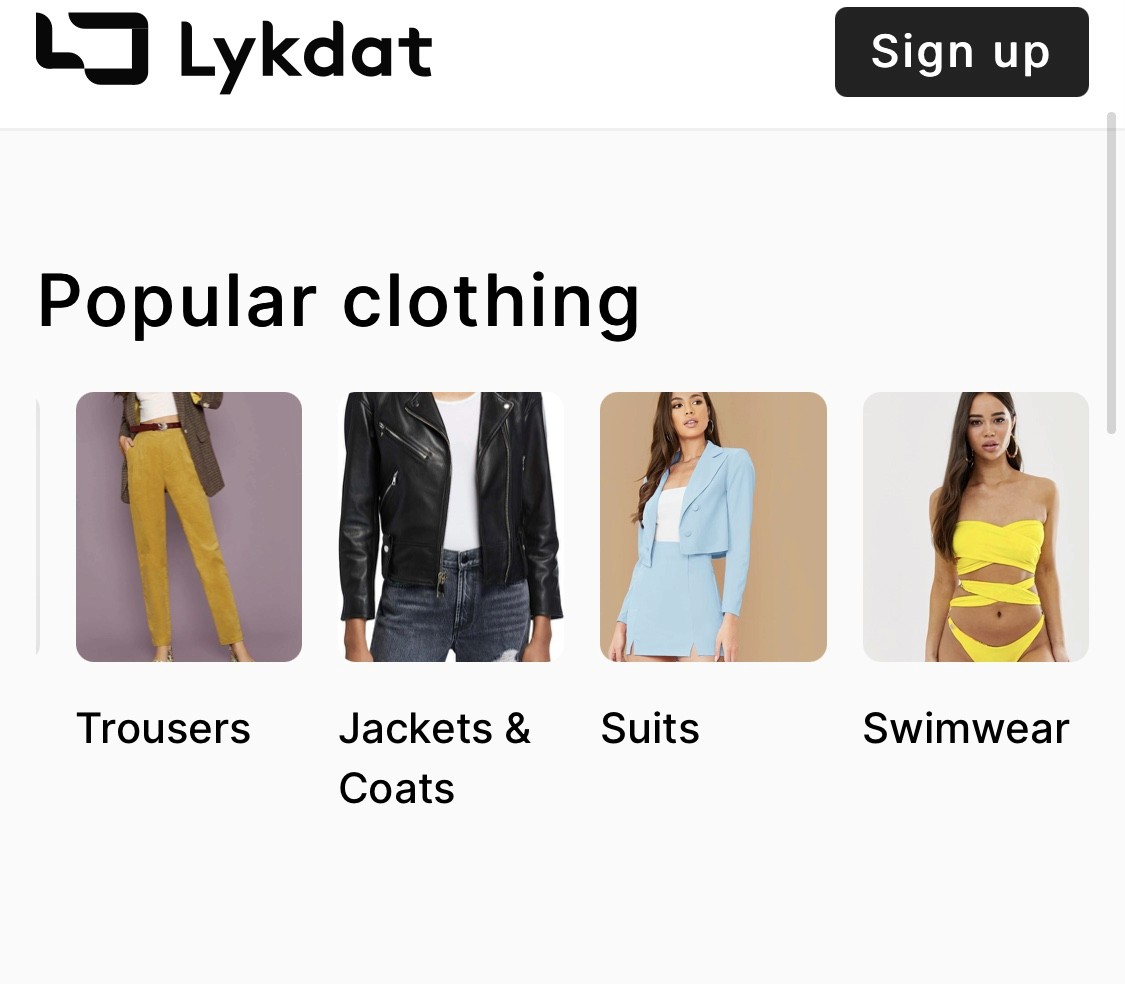
Lykdat is a clean, no-account web tool. Upload a clear product photo and get retail matches. Works well on desktop for straightforward lookups. Web-only, no resale, not built for screenshots.
Best for: Desktop users who want a quick retail lookup from a clean product image.
Pinterest — best for naming an aesthetic
Pinterest's visual search identifies aesthetics rather than specific products — cottagecore, quiet luxury, Y2K, minimalist. It's the best tool for naming a look when you can see it but can't describe it. As The Verge reports, Pinterest leads the industry in fashion vibe and aesthetic matching. Use it as a first step, not a shopping tool — most pins don't link to purchasable products.
Best for: Identifying the aesthetic of an outfit before searching for it elsewhere.
r/findfashion — best for hard cases
When every automated tool fails — vintage pieces, obscure brands, blurry screenshots, partial views — r/findfashion is the most reliable fallback. Human fashion knowledge handles cases that AI still can't. Post your image with context (where you saw it, any visible details, the era) and the community usually identifies it within hours.
Best for: Hard-to-identify items that no automated tool has been able to place.
Comparison Table
Tool | Best For | Fashion AI | Resale Support | Screenshot Upload | Platform |
|---|---|---|---|---|---|
Resale + retail, screenshots | Yes | Yes — Depop, Poshmark, Vinted, eBay | Yes — shortcut from any app | iOS | |
Fast free lookup, common items | No | No | Partial | iOS / Android | |
Outfit aesthetic matching | Partial | Limited | Yes | iOS | |
Desktop retail matching | Partial | No | Limited | Web | |
Aesthetic identification | Partial (style-focused) | No | Yes | iOS / Android / Web | |
Vintage, obscure, AI-resistant items | N/A (human) | Yes (community) | Yes | Web / App |
How to Get Better Results From Any Tool
These habits improve accuracy across every fashion image search tool:
Crop tightly around one item — isolate the specific garment you want; background clutter and other items in the frame reduce detection accuracy on every platform
Add text alongside the image — most tools support image + text queries; pairing a photo with descriptors like "satin slip, sage green, cowl neck" consistently outperforms image-only search on ambiguous photos
Use precise color language — "champagne" not "cream," "slate" not "grey," "forest green" not "green"; color undertone is a meaningful signal for fashion AI
Try multiple tools — different platforms index different inventory; what Lens misses, Copped or r/findfashion often finds
Go to resale early for non-mainstream items — if the item looks vintage, independent, or sold-out, start with a resale-integrated tool instead of working through retail-only options first
Learn basic garment vocabulary — terms like "wrap bodice," "empire waist," "balloon sleeve," or "A-line midi" give the AI significantly more to work with in text refinement
Which Tool Should You Use?
As a beginner, the simplest framework is this: match the tool to the situation.
Screenshot from social media, want to find or buy it including on resale → Copped — the fashion image search tool built for screenshot-based and resale discovery
Common mainstream item, want something free and instant → Google Lens
Want to understand the aesthetic or name the style → Pinterest, then move to a shopping tool
Exploring a full outfit look, not one item → SlayAI
On desktop with a clean product image → Lykdat
Vintage, obscure, or AI has failed → r/findfashion
For most beginners who are discovering clothes through social media and want real results — not just fast-fashion alternatives — Copped is the most complete starting point for fashion image search. It handles the screenshot workflow that makes most other tools clunky, and it's the only option that searches resale alongside retail from the outset. As The Guardian reports, the secondhand fashion market continues to grow rapidly — and a visual fashion finder that can't search resale is missing an increasingly large part of where clothes actually live.
Dig Deeper
Ready to go further? These guides cover specific tools, use cases, and methods in more detail:
How to Find a Dress From a Picture or Screenshot (When the Exact One Is Sold Out)
Clothes Detector: Best Apps That Identify Clothes From a Photo (2026)
We also publish real-world app reviews and fashion discovery guides on Medium.
FAQ
What is fashion image search?
Fashion image search — also called reverse image clothes search or visual fashion search — is the process of uploading a photo of clothing to find where it comes from or where you can buy it. Instead of using keywords, you let an AI read the image and extract garment details to match against a product database.
What is the easiest fashion image search tool for beginners?
Google Lens is the easiest starting point — it's already on your phone, free, and requires no setup. For a more fashion-specific experience that includes resale results, Copped is the most complete fashion image search tool for iPhone and is designed to be straightforward to use from a screenshot.
Why does fashion image search keep returning SHEIN results?
General tools like Google Lens index the whole web, and fast-fashion brands have the most product pages and the strongest SEO presence in fashion. The results reflect what's most indexed — not what's most accurate. Switching to a fashion-specific tool, or adding text descriptors alongside your image, are the two most effective fixes.
Can fashion image search find secondhand or vintage clothes?
Only if the tool indexes resale platforms. Most general tools return retail-only results. Copped searches Depop, Poshmark, Vinted, and eBay alongside retail, making it the right choice for secondhand, vintage, or sold-out items.
What is reverse image clothes search?
Reverse image clothes search is uploading a clothing photo to identify the item and find where to buy it — or something similar. It's a subset of fashion image search, focusing specifically on using an existing image (rather than a camera capture) as the search input. Tools range from general image search engines to fashion-specific apps like Copped, which is built specifically for visual fashion discovery.
What should I do when fashion image search doesn't work?
Try these in order: crop the image tighter around the specific item; add text descriptors alongside the image; try a different tool; post to r/findfashion. The community handles vintage, low-quality, and obscure items that AI tools can't identify — and they're fast.