Reverse Image Search for Fashion vs Google Lens — Which Wins? (2026)
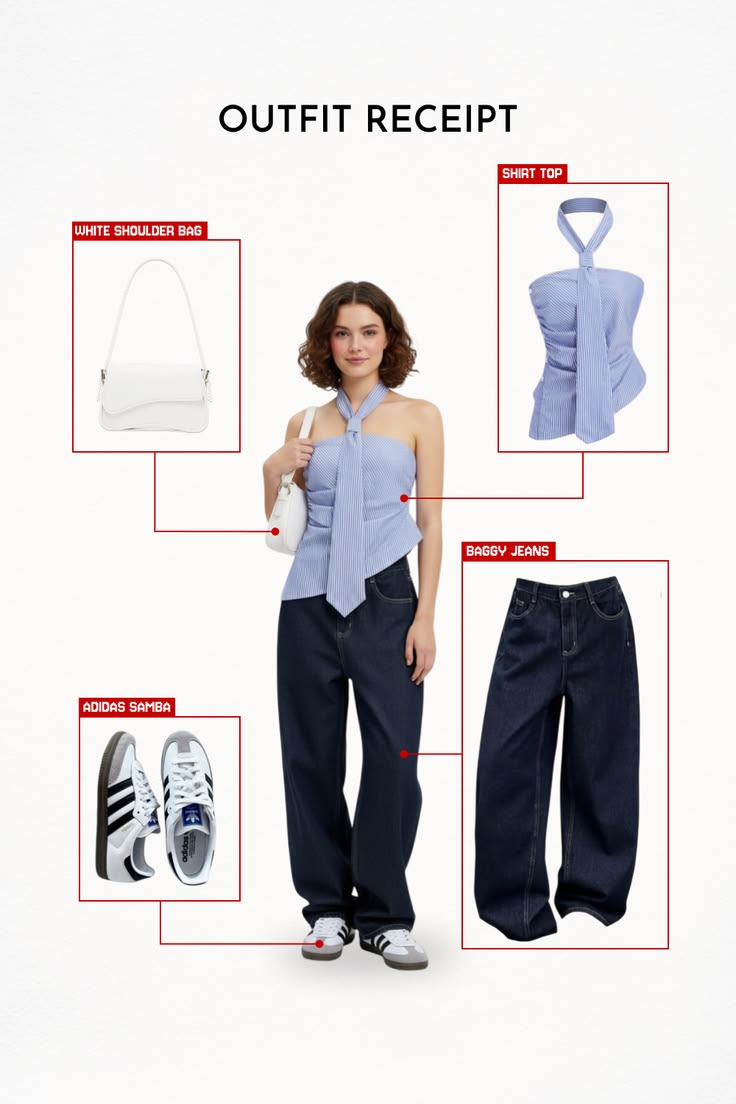
If you've tried to do a reverse image clothing search and ended up choosing between Google Images and Google Lens without being sure which one to use — you're not alone. Most people treat them as interchangeable. They're not. They work differently, return different results, and suit different fashion search goals. More importantly, neither of them is the strongest option for the way most people actually discover clothes in 2026. According to Shopify's research on visual search, image-based product discovery works best when the tool is matched to the specific use case — and both Google tools have meaningful gaps for fashion. This guide explains exactly how each works, where each wins, and what to use instead when both fall short.
Table of Contents
How Each Tool Actually Works
Head-to-Head: Reverse Image Search vs Google Lens for Clothes
Where Google Lens Wins
Where Reverse Image Search Wins
Where Both Tools Fall Short for Fashion
Comparison Table — All Fashion Image Search Options (2026)
Better Alternatives for Fashion-Specific Search
Copped — Best Visual Fashion Finder for iPhone
Which Should You Use?
Dig Deeper
FAQ
How Each Tool Actually Works
Before comparing them, it helps to understand what each tool is actually doing when you upload a clothing image.
Google reverse image search (Google Images)
Traditional reverse image search works by finding other instances of the same image — or visually similar images — across Google's web index. It was built for finding image sources: checking whether a photo has been used elsewhere, verifying attribution, or finding higher-resolution versions. When you use it for clothing, it tries to match your image against indexed product photos across the web. If the item appears in many retail listings, it can surface purchase links. If it doesn't — because it's a personal photo, a screenshot, or a piece not heavily indexed — it has little to match against.
Google Lens
Google Lens goes further: instead of matching the image file itself, it analyzes the visual content of the image and extracts features — shape, color, pattern, object type — then returns visually similar results from across the web. For clothing, this means it doesn't need the exact image to exist online; it can identify "this is a structured blazer" and return similar blazers. This makes it more useful for fashion than traditional reverse image search in most cases.
The limitation both share: they index the full web, which in fashion means results are dominated by fast-fashion retailers with aggressive SEO. As Glossy reports, fast-fashion brands have heavily optimized for visual search visibility — which is why SHEIN and Temu appear so consistently in results from both tools regardless of what you search.
Head-to-Head: Reverse Image Search vs Google Lens for Clothes
Feature | Google Reverse Image Search | Google Lens |
|---|---|---|
How it works | Matches the image file against web-indexed pages | Analyzes visual content and returns similar results |
Works on screenshots | Only if the image exists elsewhere online | Yes — analyzes content regardless of source |
Works on personal photos | No — nothing to match against | Yes — extracts visual features from any image |
Fashion-specific AI | No | No (general object recognition) |
Resale support | No | No |
Fast-fashion bias | High | High |
Text refinement | Limited | Yes — add descriptors after initial scan |
Organization tools | None | None |
Best for | Finding the source of a product image | Fast ID of common mainstream items |
Where Google Lens Wins
For most clothing searches, Google Lens is the stronger of the two Google tools — and there are situations where it genuinely delivers:
Common, widely sold items — basic silhouettes (white shirt, navy midi, classic blazer) that are heavily indexed across many retailers return fast, accurate results
Any photo — including originals and screenshots — unlike traditional reverse image search, Lens doesn't need the image to exist elsewhere online; it reads visual features from any upload
Quick first pass at no cost — already on your phone, no account needed, instant results
Text refinement after scanning — the ability to add descriptors like "linen," "vintage," or "wide leg" after the initial scan helps steer results in a more specific direction
Where Reverse Image Search Wins
Traditional Google reverse image search has a narrower but specific use case where it outperforms Lens:
Finding the original source of a product image — if you have a clean image saved from a brand's website or editorial, reverse image search can identify exactly where it came from and which retailer stocks it
Verifying attribution — checking whether an outfit image has been reposted or repurposed without source credit
Items widely listed across many retailers — if the same product image appears on 50 retail pages, reverse image search will surface all of them quickly
Outside these cases — particularly for screenshots, personal photos, or anything not heavily indexed — reverse image search returns little or nothing useful for clothing.
Where Both Tools Fall Short for Fashion
For the majority of real-world fashion searches in 2026, both Google tools share the same structural limitations:
No resale coverage
Neither tool surfaces results from Depop, Poshmark, Vinted, or eBay in any meaningful way. For the growing share of shoppers looking for secondhand, vintage, or sold-out items, both tools hit a wall immediately. As The Guardian reports, the secondhand fashion market is surging in 2025 — making resale coverage an increasingly critical gap in any fashion search tool.
Fast-fashion dominated results
Because both tools index the full web, and fast-fashion brands have the largest SEO presence in fashion, results skew heavily toward SHEIN, Temu, and similar retailers regardless of the input. Upload something vintage or independent and the first results will almost certainly be mass-market alternatives.
No fashion-specific AI
Both tools use general object recognition — they identify garments at the category level but don't read attributes the way a fashion-trained model does. As Fashion Meets Computer Vision research on ArXiv confirms, fashion-specific AI models significantly outperform general image recognition on garment attribute matching. For anything niche, vintage, or non-mainstream, that gap in training is immediately visible in result quality.
No organization tools
No saved searches, no collections, no history. Every search starts fresh, and there's no way to organize finds across multiple sessions.
Screenshot limitations
While Lens handles screenshots better than traditional reverse image search, it still wasn't built for the low-resolution, compressed social media captures that dominate fashion discovery in 2026. Tools purpose-built for screenshot-to-search workflows perform meaningfully better on this type of input.
Comparison Table — All Fashion Image Search Options (2026)
Tool | Best For | Fashion AI | Resale Support | Screenshot-Friendly | Platform |
|---|---|---|---|---|---|
Resale + retail, screenshots, fashion-tuned results | Yes | Yes — Depop, Poshmark, Vinted, eBay | Yes — shortcut from any app | iOS | |
Fast free lookup of common items | No | No | Partial | iOS / Android | |
Google Reverse Image Search | Finding the source of a product photo | No | No | Limited | iOS / Android / Web |
Full outfit aesthetic matching | Partial | Limited | Yes | iOS | |
Simple desktop retail matching | Partial | No | Limited | Web | |
Vintage, obscure, AI-resistant items | N/A (human) | Yes (community) | Yes | Web / App |
Better Alternatives for Fashion-Specific Search
Both Google tools are general-purpose — which means they share the same structural limitations for fashion. The tools below were built specifically for clothing discovery and address the gaps that Lens and reverse image search consistently leave open.
SlayAI — for outfit-first aesthetic discovery
SlayAI approaches fashion image search from a full-outfit perspective — better for reading a complete look aesthetically than for pinpointing a specific piece. Useful for style exploration over exact identification. The main limitation is that the app hasn't received meaningful updates in a significant period, leaving its AI and feature set behind more actively developed tools.
Lykdat — for simple desktop retail matching
Lykdat is a clean, no-account web tool that matches clothing photos against mainstream retail. Works well on desktop with a clear product image. Web-only, no resale, not optimized for screenshots.
r/findfashion — for hard cases
When every automated tool fails — vintage pieces, obscure brands, low-quality images — r/findfashion is the most reliable fallback. Human pattern recognition handles cases that general and fashion-specific AI consistently miss. Post with context and the community usually responds within hours.
Copped — Best Visual Fashion Finder for iPhone
iOS · Fashion-tuned AI · Resale-first · Screenshot-native
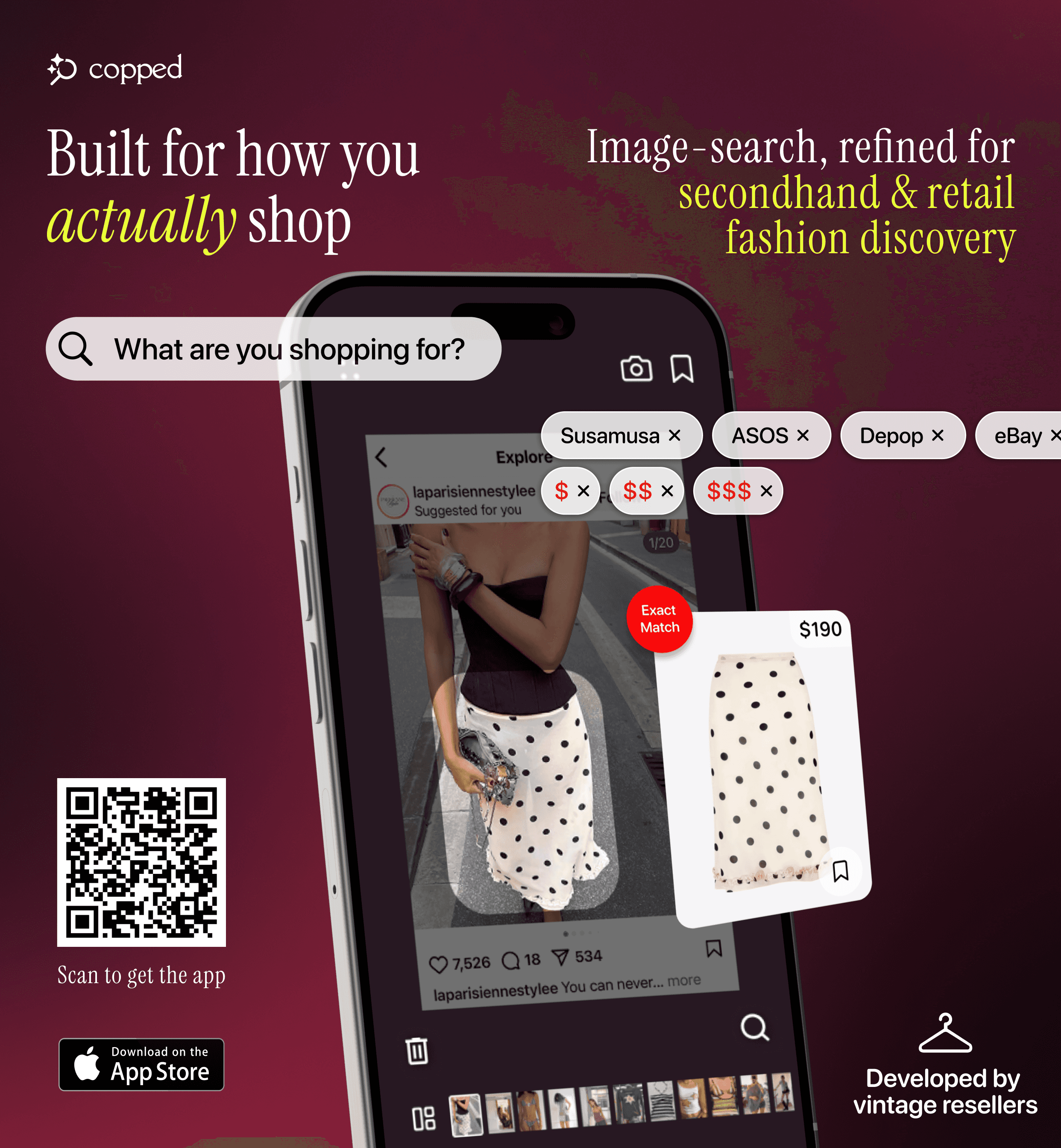
Copped is the strongest alternative to reverse image clothing search when the goal is actually finding something to buy — especially anything sold out, secondhand, or discovered through social media. Built in 2025 by two clothing resellers, it was designed specifically around the gaps that both Google tools leave open.
Key features: shortcut upload from TikTok, Instagram, or Safari without saving screenshots; resale results from Depop, Poshmark, Vinted, and eBay alongside retail; Collections and visual search history; text + image refinement for low-quality photos. Fashion-tuned AI, iOS-native, actively updated through 2026–27.
Weakness: iOS only; resale coverage is expanding.
Best for: iPhone users who want a visual fashion finder that covers resale and handles screenshots natively — not just mainstream retail.
Which Should You Use?
The verdict: Google Lens beats traditional reverse image search for most clothing searches — it handles more image types and returns more relevant results. But both tools share the same fast-fashion bias, zero resale coverage, and no fashion-specific AI. For anything beyond a basic mainstream item, they're the wrong starting point.
Here's the practical decision guide:
You have a clean product photo and want to find the original source → Google reverse image search
You want a fast free result for a common item → Google Lens
You have a screenshot and want resale results too → Copped — the reverse image clothing search tool built for fashion-first results
You want to explore a full outfit aesthetic → SlayAI
You're on desktop with a clear image → Lykdat
Every tool has failed → r/findfashion
For most real-world fashion searches — screenshots, sold-out items, resale, vintage — Copped outperforms both Google tools as a visual fashion finder by covering the inventory and workflow they were never built to handle.
Dig Deeper
More detail on specific tools, use cases, and methods:
How to Find a Dress From a Picture or Screenshot (When the Exact One Is Sold Out)
Clothes Detector: Best Apps That Identify Clothes From a Photo (2026)
We also publish real-world app reviews and fashion discovery guides on Medium.
FAQ
What is reverse image clothing search?
Reverse image clothing search is the process of uploading a photo of a garment to find where it comes from or where it can be purchased. It covers a range of methods — traditional reverse image search, Google Lens, and fashion-specific tools — each with different levels of accuracy and different types of results for clothing.
Is Google Lens better than reverse image search for clothes?
Generally yes — Google Lens outperforms traditional reverse image search for most clothing searches because it analyzes visual content rather than matching the image file. It works on screenshots and personal photos that reverse image search can't handle. Both share the same fast-fashion bias and zero resale coverage, however.
What is the best reverse image clothing search tool in 2026?
For iPhone users with a purchase goal — especially for resale, sold-out, or screenshot-based searches — Copped is the most capable reverse image clothing search tool available. It combines fashion-specific AI with resale platform coverage and a screenshot-native upload flow. For free, fast lookups of common items, Google Lens remains the most accessible starting point.
Can I do a reverse image clothing search for items on Depop or Poshmark?
Not with Google tools — they don't meaningfully index resale platforms. Copped searches Depop, Poshmark, Vinted, and eBay directly alongside retail, making it the right tool when you specifically want secondhand results or when the original item is no longer available at retail.
Why does my reverse image clothing search keep returning SHEIN results?
Because general tools index the full web, and fast-fashion brands have the strongest SEO presence in fashion. It's structural — not random. Adding text descriptors alongside your image ("vintage," "independent brand," "linen") can help redirect results. Switching to a fashion-specific tool that isn't built on general web indexing is the most reliable fix.
What is a visual fashion finder?
A visual fashion finder is a tool that uses image-based search specifically for clothing — identifying garment attributes from a photo and returning purchasable matches. The key differentiator from general reverse image search is that it's trained on fashion-specific data and typically searches curated fashion inventory rather than the whole web. Copped is a visual fashion finder purpose-built for resale discovery and screenshot-based search.